Best Tools and Techniques for Better Organization
Best Tools and Techniques for Better Organization
Staying organized is an important part of managing work, projects, and everyday responsibilities. When tasks, documents, deadlines, and ideas are scattered across different places, it can become difficult to know what needs to be done next.
Fortunately, there are many simple organization tools and techniques that can help create a clearer workflow. You do not need to use every tool available. The most effective approach is to choose a small number of tools that match your needs and then use them consistently.
From task lists and calendars to checklists, project boards, file-management systems, and time-blocking techniques, the right combination can make your workflow easier to manage.
In this guide, we will explore the best tools and techniques for better organization, how they work, and how beginners can create a simple organization system.
Why Is Organization Important?
Organization helps turn a collection of tasks into a clear and manageable process.
Without organization, you may:
- Forget important tasks
- Miss deadlines
- Lose documents
- Spend too much time searching for information
- Repeat work unnecessarily
- Have difficulty tracking project progress
A good organization system provides a central place to manage important information.
It also makes it easier to identify priorities.
For example, instead of keeping ten unfinished tasks in your memory, you can place them in an organized task list and decide which ones deserve attention first.
1. Use a Central Task List
One of the simplest organization tools is a central task list.
A task list allows you to capture everything that needs to be completed.
You can organize tasks by:
- Project
- Deadline
- Priority
- Category
- Status
For example:
Website Tasks
- Research topics
- Write articles
- Review pages
- Add images
- Check SEO
Administrative Tasks
- Organize documents
- Review reports
- Schedule meetings
Keeping tasks in one primary location makes it easier to maintain an accurate overview.
2. Use a Digital Calendar
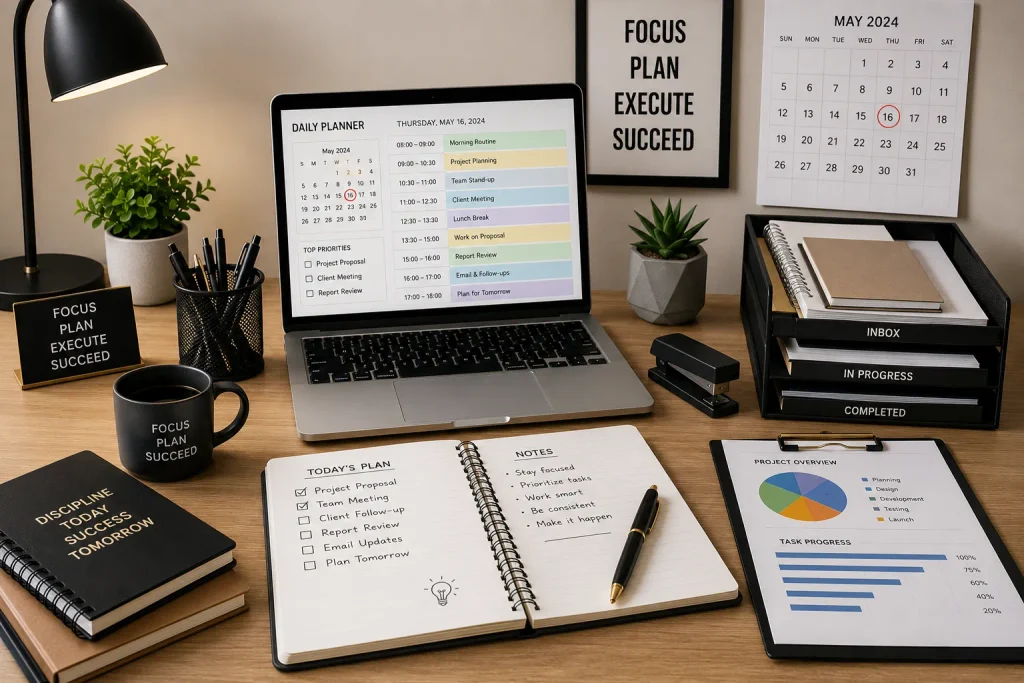
A calendar is useful for activities that happen at a specific time.
Use it for:
- Meetings
- Appointments
- Deadlines
- Events
- Scheduled work periods
- Important reminders
A task and a calendar event are not always the same thing.
For example, “Write an article” is a task.
“Meeting at 2:00 PM” is a calendar event.
Keeping these distinctions clear can make your organization system easier to understand.
3. Try Time Blocking
Time blocking is a technique where you reserve specific periods for particular activities.
For example:
9:00–10:30: Focused work
10:30–11:00: Break
11:00–12:00: Communication
1:00–2:30: Project work
2:30–3:30: Administrative tasks
This technique helps prevent important activities from being pushed aside by less important tasks.
Your time blocks do not have to be extremely detailed.
A simple structure is often enough.
4. Create Checklists
Checklists are extremely useful for repetitive processes.
If you perform a task regularly, write down the steps.
For example, an article publishing checklist could include:
- Choose topic
- Research keywords
- Create outline
- Write content
- Edit article
- Add images
- Optimize headings
- Add internal links
- Write meta description
- Publish
- Review final page
A checklist reduces the chance of forgetting important steps.
It also creates consistency when the same process is repeated.
5. Use Project Boards
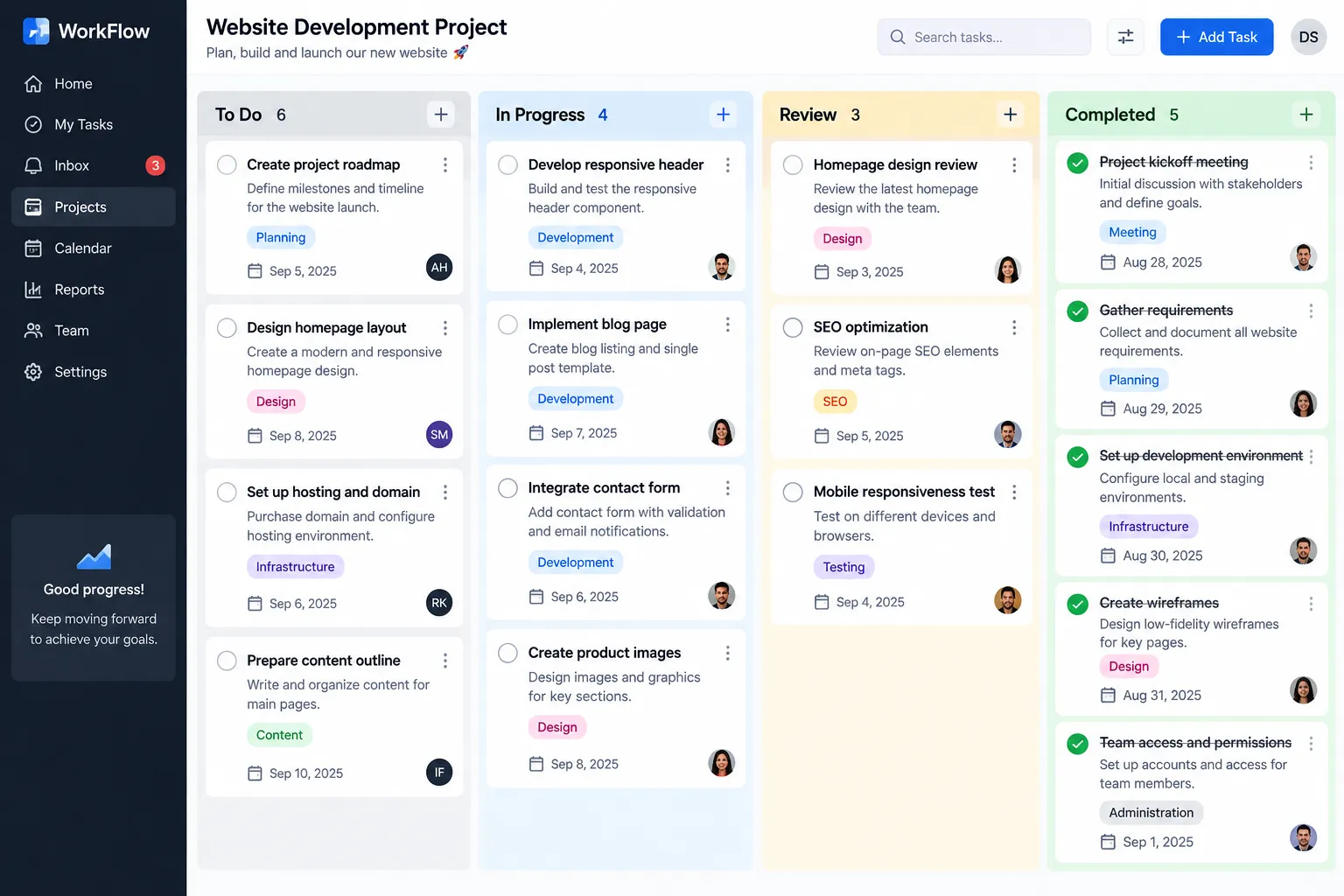
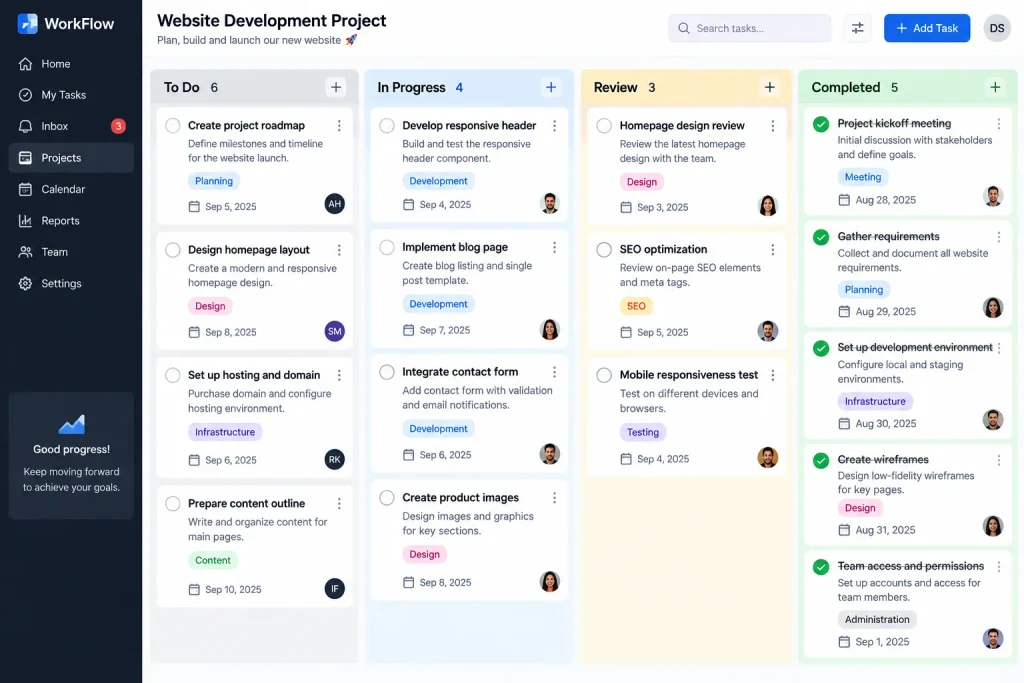
A project board provides a visual way to track tasks.
A simple board can contain four columns:
To Do → In Progress → Review → Completed
Each task can be placed under the appropriate column.
For example, if you are preparing several articles, you could place new topics under “To Do,” articles currently being written under “In Progress,” and completed drafts under “Review.”
This makes project progress easier to understand at a glance.
6. Organize Digital Files
Digital file organization is often overlooked.
A messy folder structure can cause unnecessary delays.
Create folders based on clear categories.
For example:
Content
- Articles
- Images
- Research
- Published
Projects
- Current
- Completed
- Archive
Use descriptive filenames.
Instead of:
file123.docx
use something like:
September-Content-Plan.docx
Clear filenames make future searches much easier.
7. Use the Capture-and-Organize Technique
Ideas can appear at any time.
Instead of immediately interrupting your current task, capture the idea somewhere safe.
You could maintain an Inbox or Ideas list.
For example:
- New article idea
- Project improvement
- Research topic
- Future task
- Useful resource
Later, review the list and move each item to the appropriate project or task category.
This prevents random ideas from interrupting focused work.
8. Use the Priority Technique
Organization is not only about arranging tasks. It is also about deciding what deserves attention.
You can use a simple priority system:
P1 — Important and urgent
P2 — Important but not urgent
P3 — Low priority
This makes it easier to decide what should be handled first.
Another simple approach is to select your top three priorities each day.
9. Try Task Batching
Task batching means grouping similar activities together.
For example, instead of checking messages throughout the day, you could create a dedicated communication period.
Similarly, you could group:
- Research
- Writing
- Editing
- File management
- Administrative work
Task batching can reduce the amount of time spent switching between unrelated activities.
10. Use Recurring Tasks
Some responsibilities happen regularly.
Examples include:
- Weekly reports
- Monthly reviews
- Regular content publishing
- Routine maintenance
- Project planning
Instead of recreating these tasks manually each time, use recurring reminders where your chosen tool supports them.
This reduces repetitive administrative work.
11. Create a Waiting List
Some tasks cannot be completed immediately because you are waiting for information or another person’s response.
Create a separate Waiting For list.
It might contain:
- Waiting for approval
- Waiting for feedback
- Waiting for a document
- Waiting for information
- Waiting for a project update
Review this list regularly so that dependent tasks do not disappear from your attention.
12. Use a Weekly Review
A weekly review is one of the most useful organization techniques.
Once a week, review:
- Completed tasks
- Unfinished tasks
- Upcoming deadlines
- Current projects
- Waiting tasks
- New ideas
- Important priorities
Then decide what needs attention during the following week.
A weekly review helps prevent your task system from becoming outdated.
13. Keep an Archive
Completed projects do not always need to remain mixed with current work.
Create an archive for finished materials.
For example:
Current Projects
Completed Projects
Old Projects
This keeps active work easier to find.
Archiving also allows you to preserve useful information without cluttering your main workspace.
14. Choose Fewer Tools
Using too many organization tools can create more problems.
For example, you might have:
- One task list in a notebook
- Another in a spreadsheet
- Another in an app
- Deadlines in a calendar
- Notes in several applications
If these systems are not connected, it can become difficult to know which information is current.
Choose a primary system and use additional tools only when they provide a clear benefit.
15. Automate Repetitive Organization Tasks
Some organization activities can be automated.
Depending on your tools, automation may help with:
- Recurring reminders
- Calendar notifications
- Routine reports
- Task creation
- File processing
- Status updates
Automation should be used carefully.
If an automated process is more difficult to manage than the original task, it may not be worth implementing.
Best Organization Techniques for Beginners
If you are new to organization, you do not need to implement every technique in this article.
Start with these five:
1. Central Task List
Keep your tasks in one primary location.
2. Daily Priorities
Choose the most important tasks each day.
3. Calendar
Use it for deadlines and scheduled events.
4. Checklists
Use them for repetitive processes.
5. Weekly Review
Review your entire system once a week.
These five practices can provide a strong foundation.
How to Build a Simple Organization System
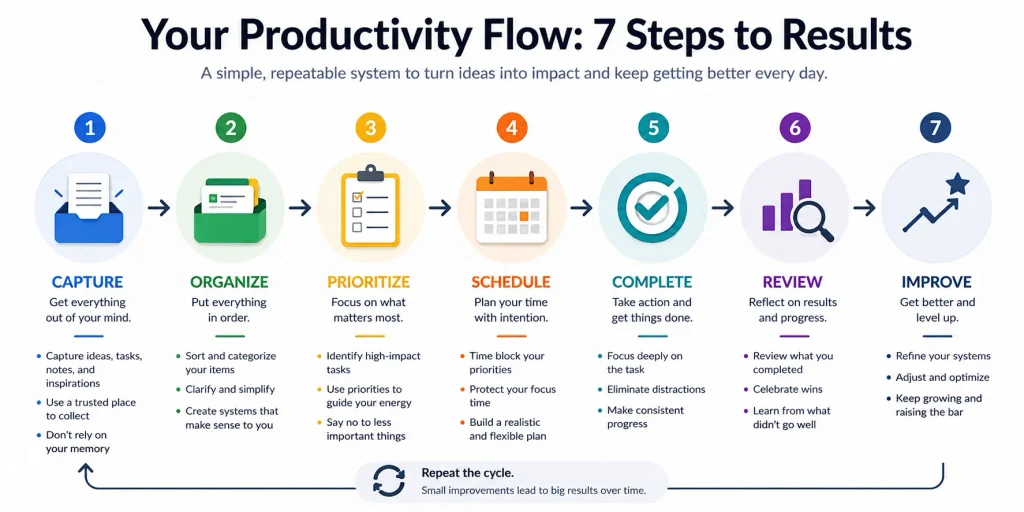
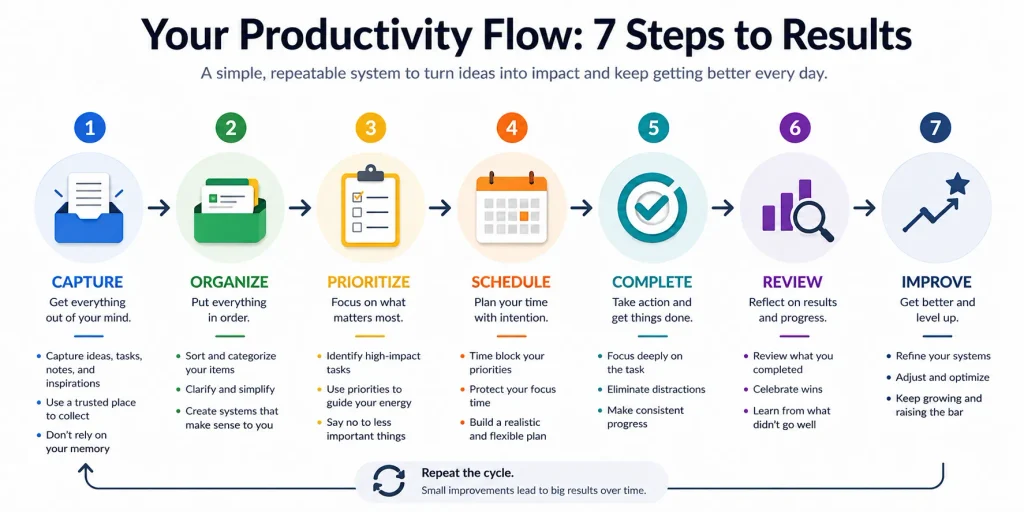
You can create your own system in a few steps.
Step 1: Capture
Write down everything that requires attention.
Step 2: Organize
Group tasks according to project or category.
Step 3: Prioritize
Identify which tasks matter most.
Step 4: Schedule
Assign deadlines or time blocks where appropriate.
Step 5: Complete
Work through your priorities.
Step 6: Review
Check what has been completed and what remains.
Step 7: Improve
Adjust the system when something is not working.
This process can be repeated every day and every week.
Common Organization Mistakes
Using Too Many Apps
More tools do not necessarily mean better organization.
Keeping Everything in Your Head
Important tasks can easily be forgotten.
Never Reviewing Your Lists
Old tasks can remain on a list long after they stop being relevant.
Mixing Personal and Project Tasks
Separating different types of responsibilities can make your system easier to manage.
Creating Too Many Categories
Too many categories can make finding information harder.
Keep the structure simple.
Frequently Asked Questions
What are the best tools for staying organized?
Useful tools include task lists, calendars, project boards, checklists, spreadsheets, and note-taking systems.
What is the easiest organization technique for beginners?
Start with a central task list and daily priorities. These are simple and require almost no setup.
How often should I organize my tasks?
Review your daily priorities every day and perform a more complete review once a week.
Is it better to use one organization tool?
For many people, having one primary task-management system is easier than maintaining several disconnected systems.
Can organization tools improve productivity?
Yes. They can make priorities clearer, reduce forgotten tasks, and make project progress easier to track.
Conclusion
Better organization does not require a complicated productivity setup. The most effective system is one that helps you clearly understand your tasks, priorities, deadlines, and projects.
Start with a central task list, use a calendar for scheduled activities, create checklists for repetitive work, organize digital files, and review your system regularly.
Techniques such as time blocking, task batching, project boards, priority levels, and weekly reviews can further improve your workflow.
Remember that organization is a process rather than a one-time activity. As your projects and responsibilities change, your system should change with them.
The goal is simple: create a system that reduces confusion, saves time, and helps you focus on the work that matters most.


